
01
Open logic
Dates can calculate while parts of the network remain disconnected.
Review the logic, constraints, float and progress that support the dates before the schedule is reported or relied on.
8
review areas
1
connected workspace
1
saved report
Planner Workspace
Sample analysis · non-customer data
Why review it
The review turns familiar scheduling checks into a focused decision path, without hiding the evidence behind a single score.
Dates can calculate while parts of the network remain disconnected.
Constraints can hold tasks in place and mask what the logic would otherwise show.
Status date, actuals and remaining work need to agree before reporting.
A planner still needs the finding, affected activities and evidence behind the number.
How it works
The repetitive checks stay consistent. The planner keeps the judgment.
Export the schedule from Microsoft Project and upload the XML file.
Inspect logic, constraints, float, critical path, milestones, calendars and progress.
Move from the summary into the affected activities and supporting evidence.
Use the same stored analysis in the workspace and the report.
Planner Workspace
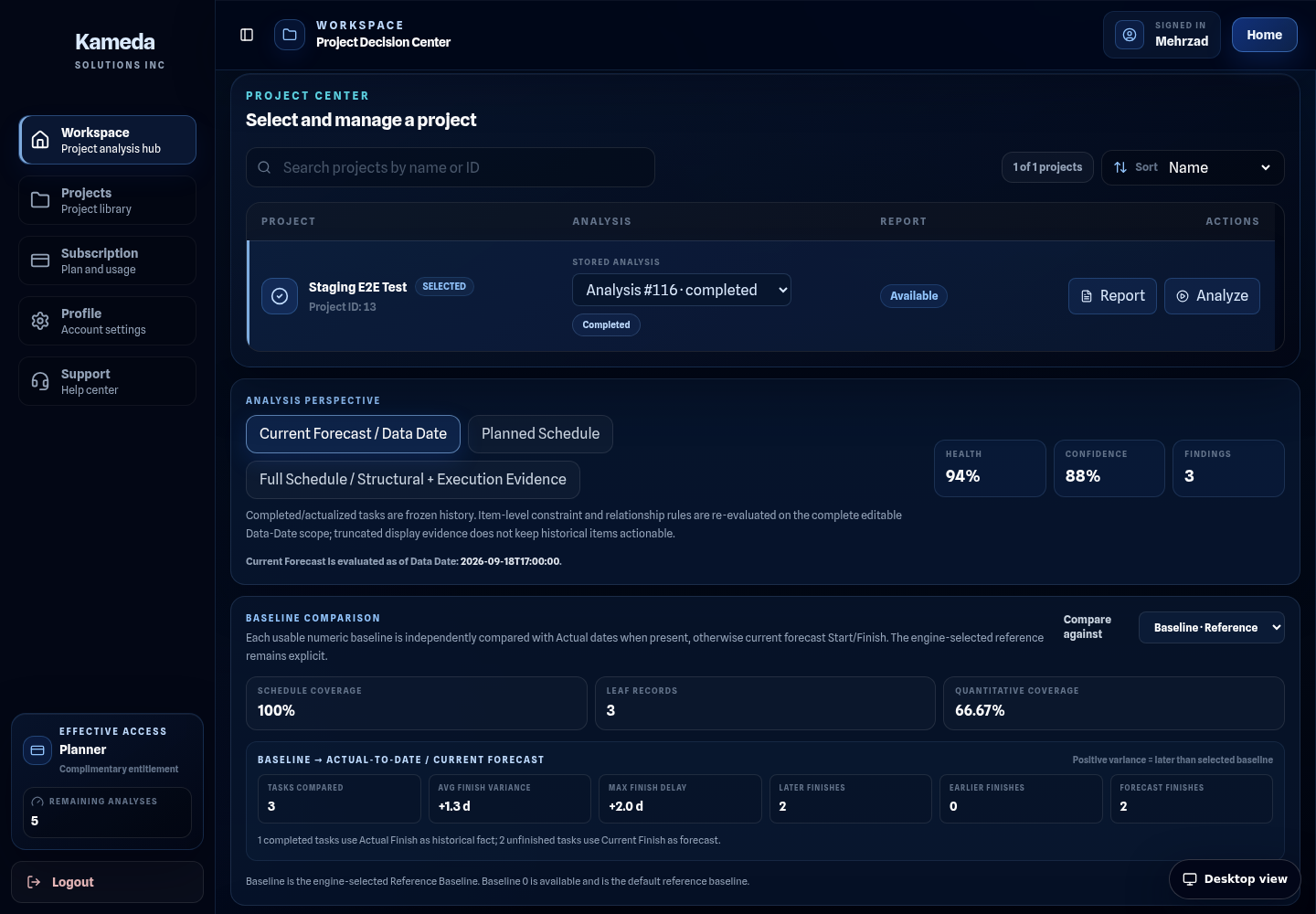
Project context, health, confidence, findings and evidence stay together in the same review.
Planner Workspace
Sample analysis · non-customer data
Logic
Relationships
Constraints
Float
Critical path
Milestones
Calendars
Progress
From finding to action
Each finding is easier to review when severity, context and planner follow-up are visible together.
Several activities have no predecessor or successor.
Planner follow-up
Review the open ends and either connect them properly or document why they are intentional.
A group of tasks is being held by date constraints rather than by the surrounding logic.
Planner follow-up
Confirm which constraints are genuinely required and which can be replaced by logic.
Some progress records need to be checked against the Data Date before reporting.
Planner follow-up
Verify the status date and task-level progress before the next update is issued.
Saved report
The saved report uses the same project context, scores, findings and S-Curve evidence and can be printed or saved as PDF.
Same analysis
Workspace and report stay aligned.
Visible gaps
Missing evidence remains visibly missing.
Live sample report
Production sample route
Review the evidence first
Read the sample report, compare Planner options and create an account when you are ready to review your own Microsoft Project schedule.